![prowly-logo-3.svg]](https://help.prowly.com/hubfs/prowly-logo-3.svg)
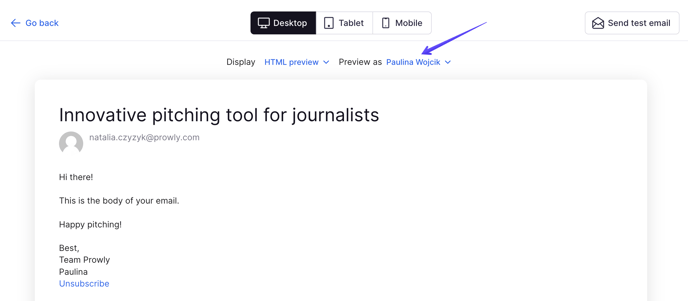
When you are done with writing the email in the second step of the email creation process, consider using preview options to ensure that the content will display properly on desktops and mobiles both in HTML and text versions. You can even preview the message as one of the selected recipients to see if the personalization tokens and fallbacks work properly.
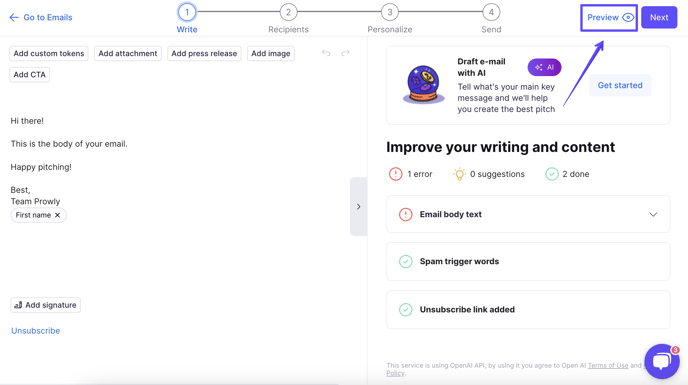
To access the preview, navigate to the Preview button available in the upper-right corner of the email's Write section:
To preview the content from a recipient's perspective, click on the "Preview as":